Introduction to selectNsolve Basic™
Math Shouldn't Be Terrifying
From elementary school through professional engineering, selectNsolve Basic™ makes problem-solving intuitive by revealing the simplicity of substitutional logic. With just a few straightforward conventions, students can quickly visualize the structures and patterns that unlock mathematical understanding.
What is selectNsolve Basic™?
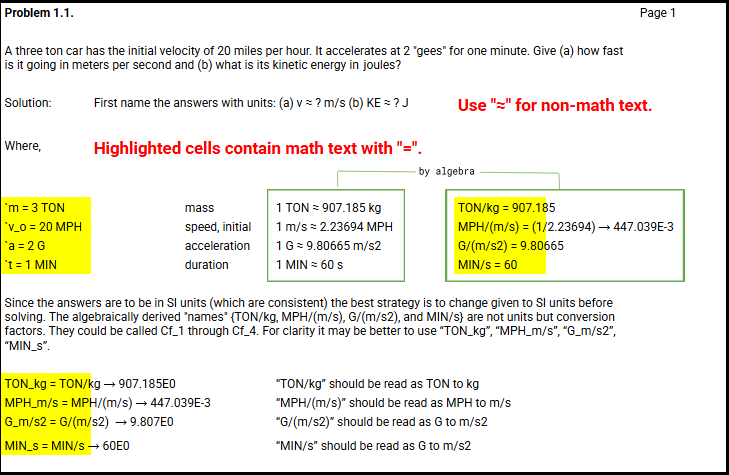
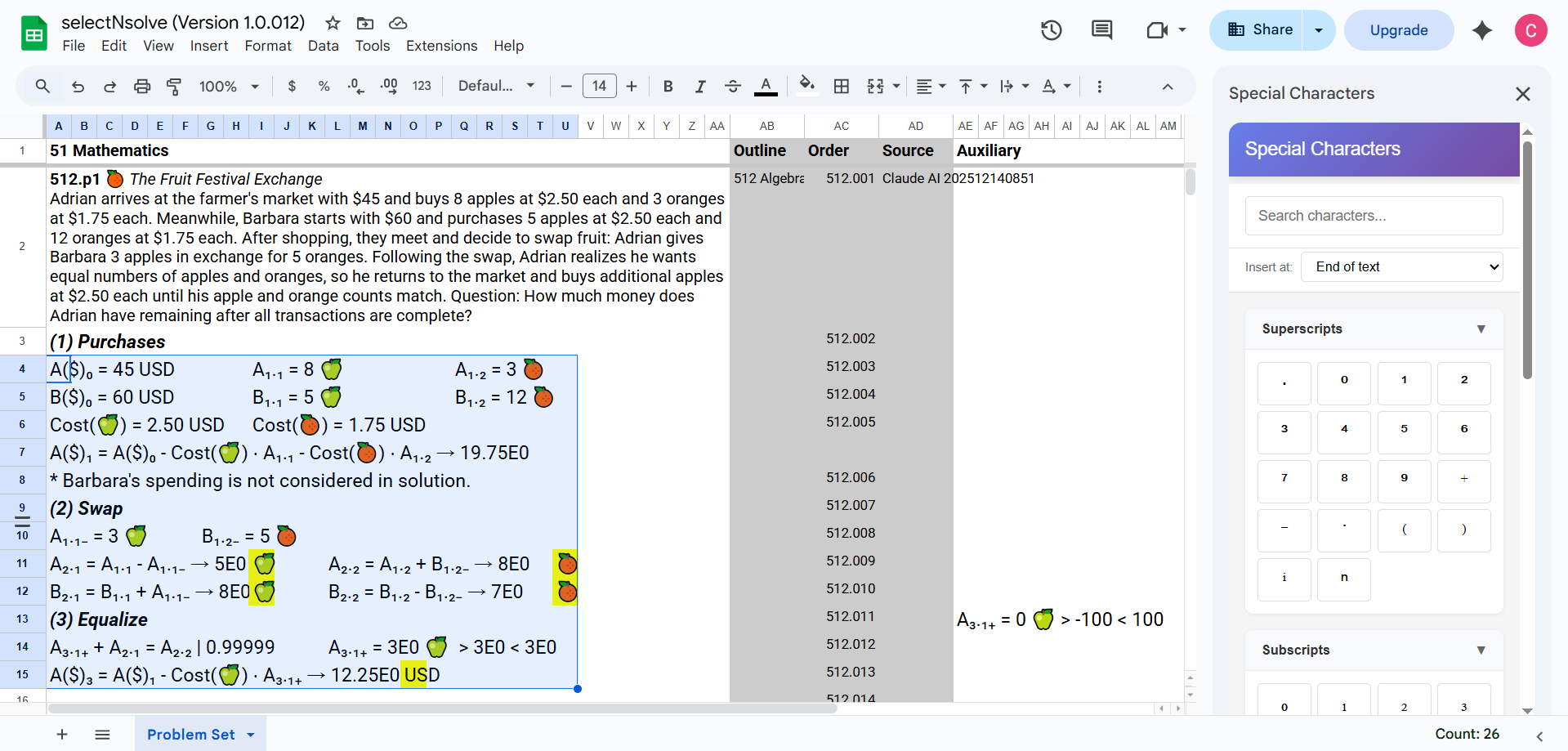
selectNsolve Basic™ is an add-on that solves single-variable equations with minimal requirements. Any text in individual cells containing a single equal sign ("=") is automatically recognized as "math text."
Core Syntax Reference
Working with Equations
Standard Equation Format
LHS = RHS | Precision
LHS: Left-hand side (mathematical expression)
RHS: Right-hand side (mathematical expression)
Precision: Number between 0 and 1 (flagged by the pipe character "|")
The pipe character separates the equation from its precision requirement.
⚠️ Important: LHS and RHS must be or contain a Name. Neither the LHS or RHS can be a Number. No units are allowed (only conversion factors). Also, only one equation and one variable is allowed per selection.
Grouping Symbols
Parentheses:
( )Brackets:
[ ]Braces:
{ }
Operators
Control characters and Unicode math operators:
^(exponent)*×⋅(multiplication)/(division)+-(addition/subtraction)All Unicode math operators supported for future use
Names and Units
Any sequence of one or more Unicode characters (excluding math operators)
Numbers
Use general format:
2340or scientific notation:2.34E3Do not use commas:
2,340is invalid
Defining Elements
Constants
Without units:
Name = Number
Example: pi = 3.14159
With units:
Name = Number Unit
Example: speed = 60 mph
⚠️ Important: The equal sign followed by a number is only valid for Constants and Variables. For other expressions, use grouping symbols: i.e. y = (3) * x + 1 and x - 3*y = (5) * z | 0.9
Formulas
To use worksheet functions, declare them explicitly:
Formulas: LOG10; SIN This tells selectNsolve Basic™ which functions are available in your worksheet.
Cell References
Format:
Name = [optional spaces]
The cell must be included in your math text selection
The adjacent cell to the right will display the calculated value for Constants, Variables, or Derivations
Derivations
Name = RHS
Use this format to define derived values or intermediate calculations.
Variables
Constant > Minimum < Maximum
Example: pressure = 100 Pa > 50 < 150
Getting Started
Ready to begin? Start with simple constants and variables, then progress to more complex equations as you become comfortable with the syntax. The minimal conventions mean less time memorizing rules and more time solving problems.
For tutorials, examples, and advanced features, explore the rest of our documentation.
Important Note About Units
selectNsolve Basic™ does not track or manipulate units.
While the software helps you solve equations quickly, understanding and correctly manipulating units (dimensions) is critical to getting the right answer. Unit manipulation remains an essential skill for any test-taker or professional engineer.
You are responsible for ensuring:
Input values use consistent units
Output values are interpreted with correct units
Unit conversions are performed accurately